How to
Three steps from a product photo to a campaign image.
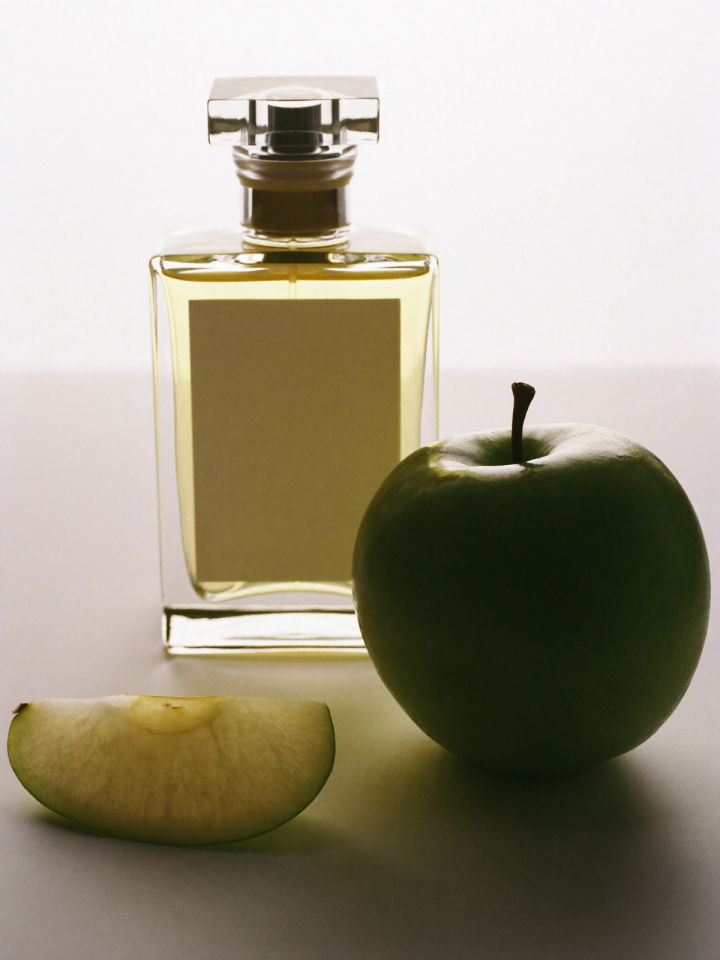
Pick a scene
Browse the collections and select the scenes you like. Each one is art-directed for a type of product.
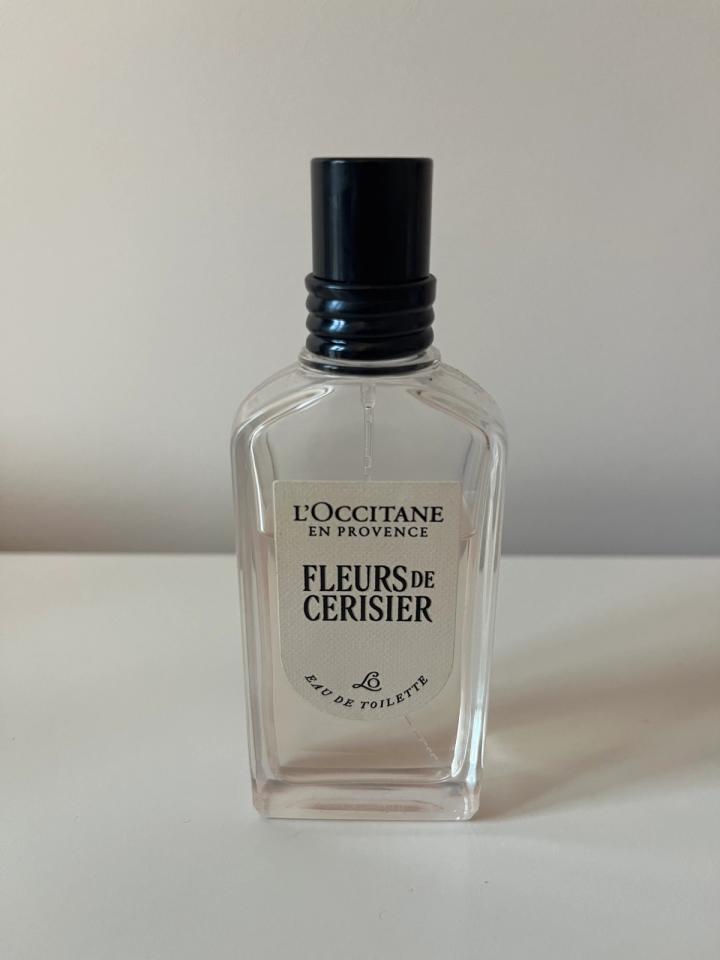
Add your product
Upload a photo of your product: make sure the angle and light match the scene as closely as possible. Phone photos are fine.
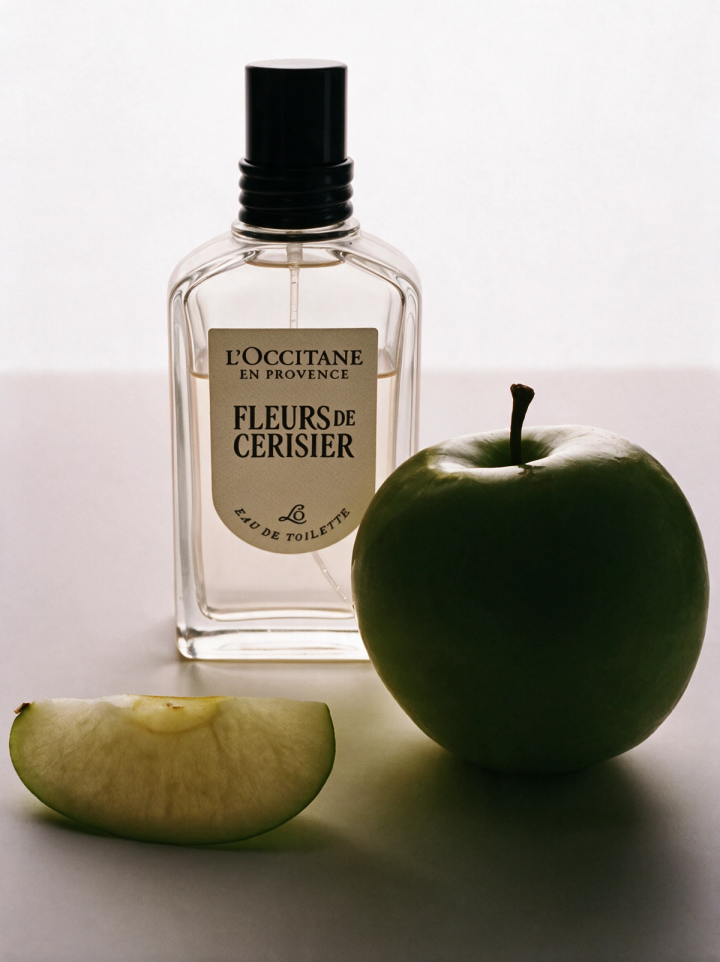
Get your images
Your product is placed in the scene, with matching light, shadows and reflections. Keep your favourite and adapt it to every format.